

- Creating the Spousal Sponsorship Application in the PR Portal
- Completing the Required Application Forms
- Online Forms
- PDF Forms for Upload
- Completing Forms with Adobe Reader
- IMM0008 Generic
- IMM5406 Family Information
- IMM5669 Background
- IMM5562 Travel History
- IMM1344 Sponsor Form
- IMM5532 Relationship Form
- IMM5476 Use of Representative
- Preparing Documents for Upload

Date: September 17, 2026
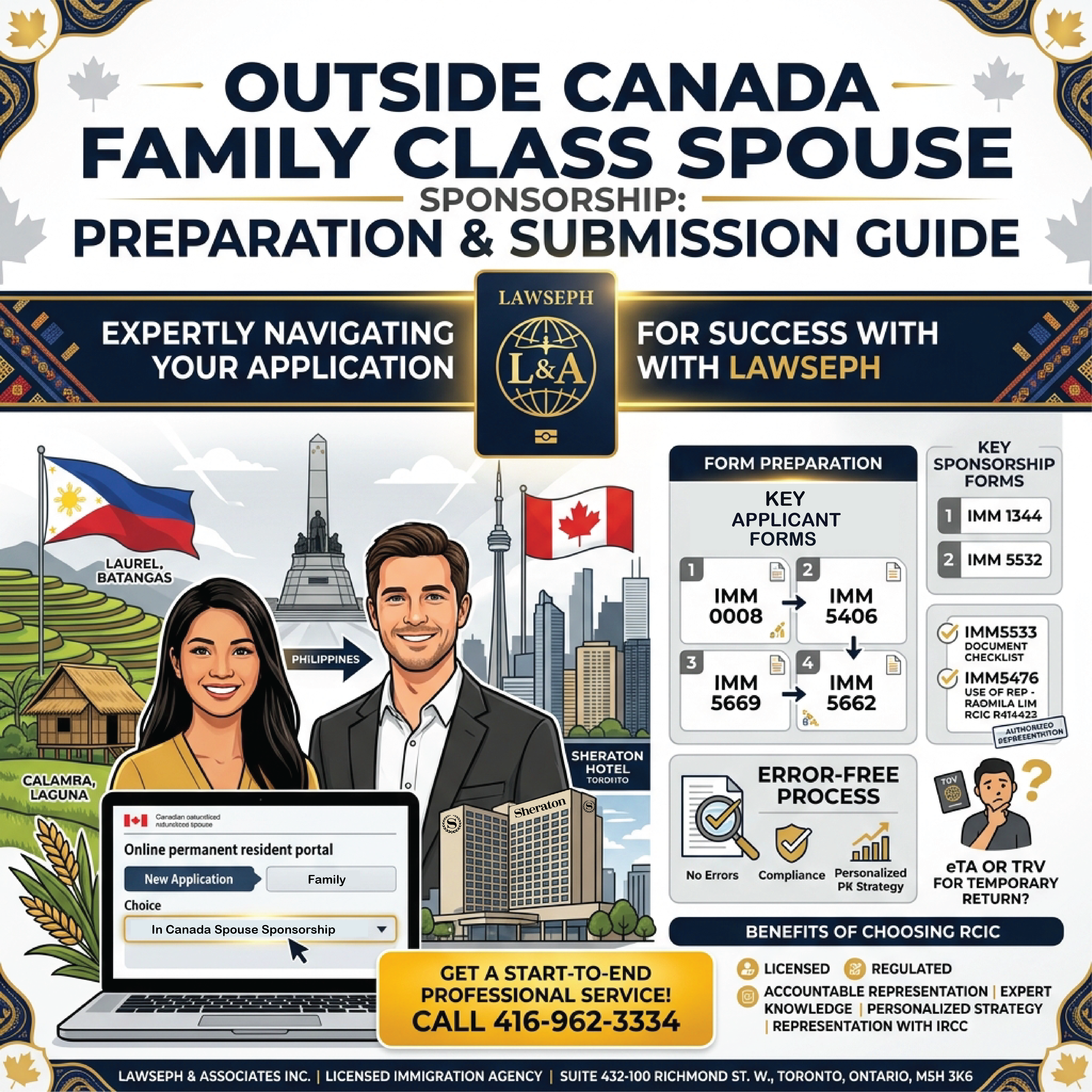
We are processing an outside Canada Family Class Spouse Sponsorship for our client at Lawseph from Laurel Batangas, Philippines. The Canadian sponsor reached out to us at our Office located in the Sheraton Hotel at 432-100 Richmond St. W, downtown Toronto.
The client’s spouse is a Naturalized Canadian Citizen born in Calamba, Laguna, Philippines who is sponsoring her spouse from outside Canada. The sponsor was a Canadian Citizen at the time of their marriage in the Philippines.
Creating the Spousal Sponsorship Application in the PR Portal
In the PR Portal (apps.cic.gc), create a new Permanent Resident (PR) application. From the dropdown, select the “Family” category, then in the next dropdown menu select “Spouse,” then in the sub category dropdown select “Family Class Outside Canada.” Enter the client’s email twice and press the blue button “Continue.”
Now, we’re in the applications webpage for the newly created Spousal Sponsorship application. If logged out of the applications webpage navigate back to the target application from the applications dashboard.
From the applications dashboard find the application and click the blue “View” button to enter the application webpage.
Completing the Required Application Forms
The first step is to fill out the 4 online forms once inside the application portal. The second step involves downloading and completing the 4 PDF forms with Adobe and uploading them to the Applications webpage.
Ensure the PDF forms are the most recent version by downloading straight from the Applications webpage inside the PR Portal.
Online Forms
The 4 online forms are IMM0008 Personal Data, IMM5406 Family Information, IMM5669 Background, and IMM5562 Travel History.
Download the PDF version of the files, complete them, and transpose that data to the same online version of the form. This way in Officio CRM, we have a copy of the whole application.
PDF Forms for Upload
The second part to the forms involves completing the required PDF files and uploading them to the Applications webpage. Uploaded forms are IMM5476 Use of Rep, IMM1344 Sponsor, IMM5532 Relationship Evaluation, and IMM5533 Document Checklist.
Completing Forms with Adobe Reader
After registering with Adobe, a free account can be used with the Application after signing in. Adobe Reader can be used to open the file, type the fields, validate, and digitally sign the pdf.
Forms such as IMM0008 and IMM1344 can only be opened, typed, and validated inside Adobe reader.
IMM0008 Generic
IMM0008 Generic is a required form for collecting the client’s personal details, such as identity, relationship status, immigration history in Canada, employment history, and additional dependents.
If the client has a dependent child they must add the dependent at the bottom of this form and enter the same information using the child’s data.
IMM5406 Family Information
IMM5406 Family Information collects details of the applicant’s spouse, children, and siblings.
This form collects when and where the family member was born, relationship status, current address, and a phone number or email.
There is a section in this form for spouses, which is where we input the details for our clients Canadian Sponsor.
IMM5669 Background
IMM5669 Background has form fields for parent details, Immigration history and professional conduct, formal education and training, employment and address history.
If the applicant has had any immigration refusals, the applicant must check box 6e and write an explanation at the bottom of question 6.
IMM5562 Travel History
IMM5562 Travel History collects any trips the applicant, spouse, and child had taken outside their origin and current country of residence.
The form collects from and to dates, total days, reason, destination, and extra details. This form has plus and minus buttons for adding and removing trip entries.
IMM1344 Sponsor Form
IMM1344 Sponsor form determines if the sponsor is eligible to sponsor the applicant.
The form collects personal information on the sponsor for identification, contact, birth, and citizenship.
If the sponsor answered yes to question 5 on the eligibility assessment the sponsor is not eligible to sponsor the applicant. The question asks whether the applicant became a Canadian Citizen from being sponsored as a spouse in the past 5 years.
IMM5532 Relationship Form
IMM5532 Relationship form collects information on previous relationships for the applicant and sponsor and if they are connected to any previous spouse sponsorships.
The form collects financial eligibility of the sponsor and employment history including pay. This form asks what family members can attest to the legitimacy of the marriage through social events.
IMM5476 Use of Representative
IMM5476 Use of Rep is where the applicant declares Lawseph as their Ontario Immigration Consultant involved in their immigration success on their way from temporary to permanent residence in Canada.
The form collects suite 432-100 Richmond St W. Toronto, M5H-3K6, Radmila Lim RCIC R414423 as the declared consultant and indicates that we are a paid representative of CIC.
Preparing Documents for Upload
The next stage would be preparing the documents for upload following the instruction of IMM5533 Document Checklist.